✨ New in v3: Folder Compare, Bandwidth Limits & Server Groups
Mobile Server Administration Suite

The most powerful
FTP Client
for Android.

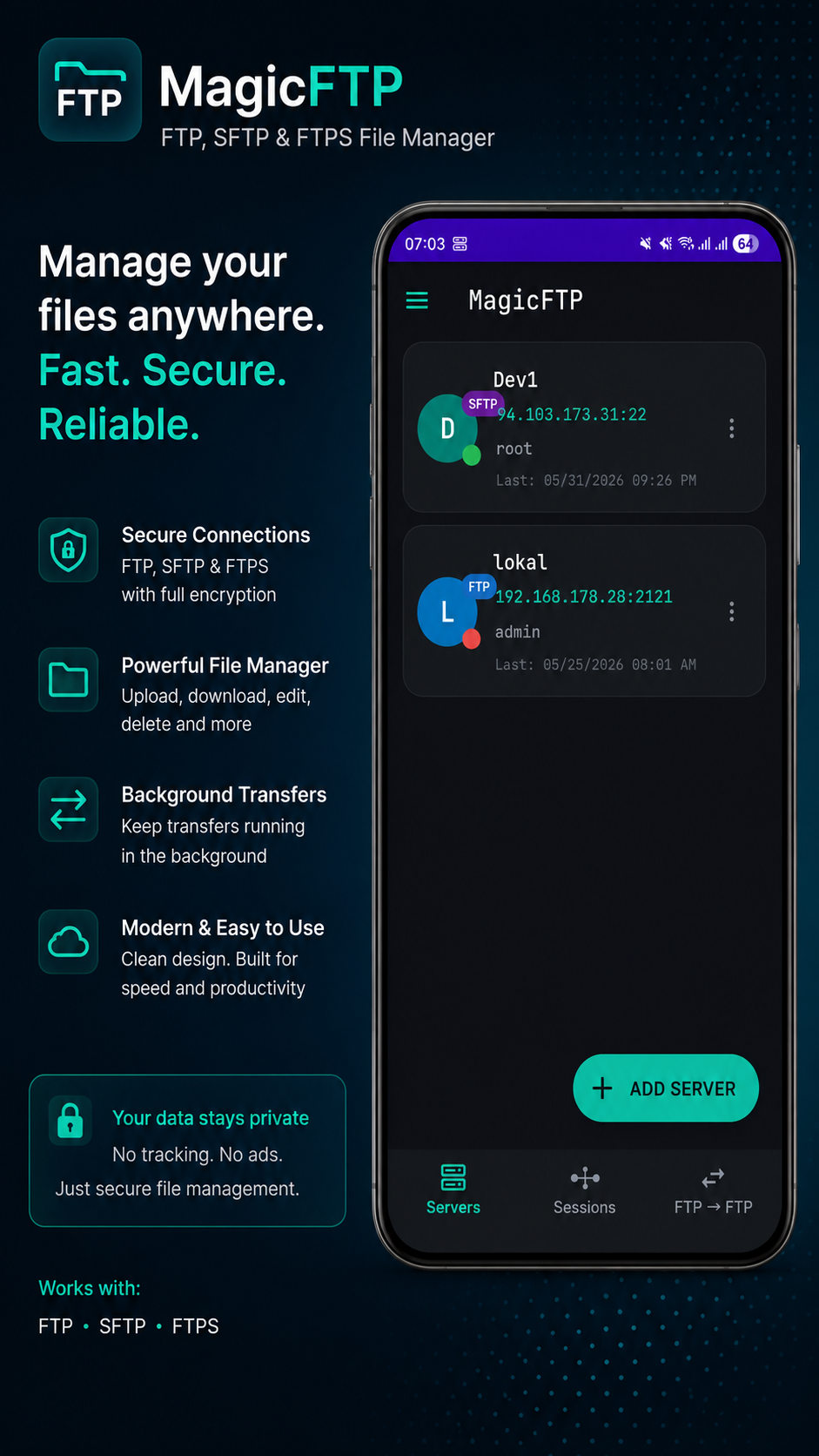
FTP · FTPS · SFTP · Folder Compare · Server↔Server Transfer · Code Editor with Live Preview · Bandwidth Limits · Server Groups — all in one app. Built for developers who mean business.

FTP FTPS SFTP Server↔Server SSH
3 Protocols
Concurrent Sessions
0 Subscriptions needed
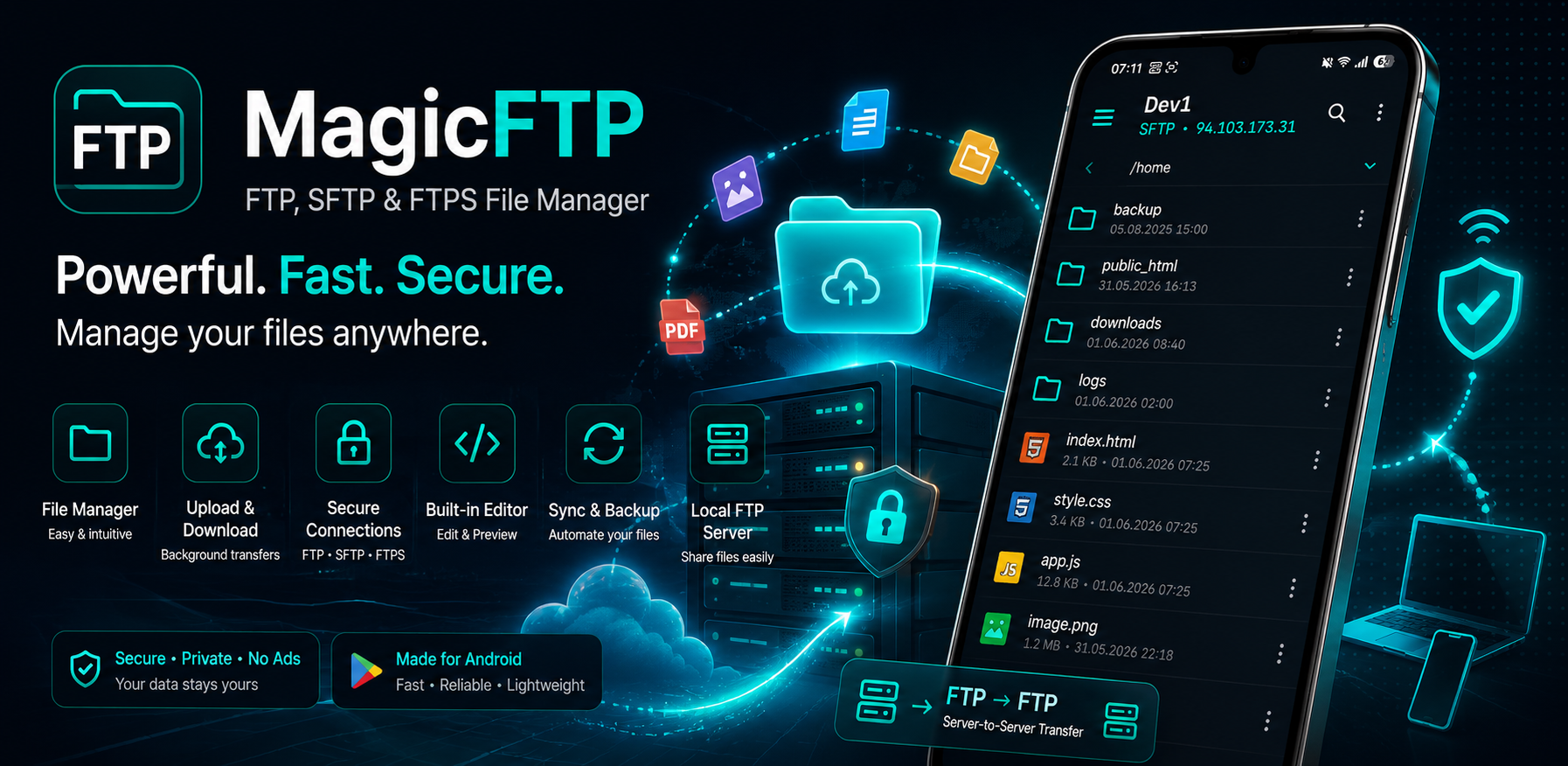
MagicFTP App Screenshot
Feature Set

No compromises.
Everything included.

The only Android app combining FTP, SFTP, Folder Compare, Server↔Server Transfer, Bandwidth Limits and Code Editor in one single, thoughtfully designed interface.

Protocols
FTP · FTPS · SFTP
All three protocols natively supported. SSH Key authentication (.pem) for SFTP — connect securely without a password. Passive & Active Mode, charset setting per server.
🔄
PRO
Server↔Server Transfer
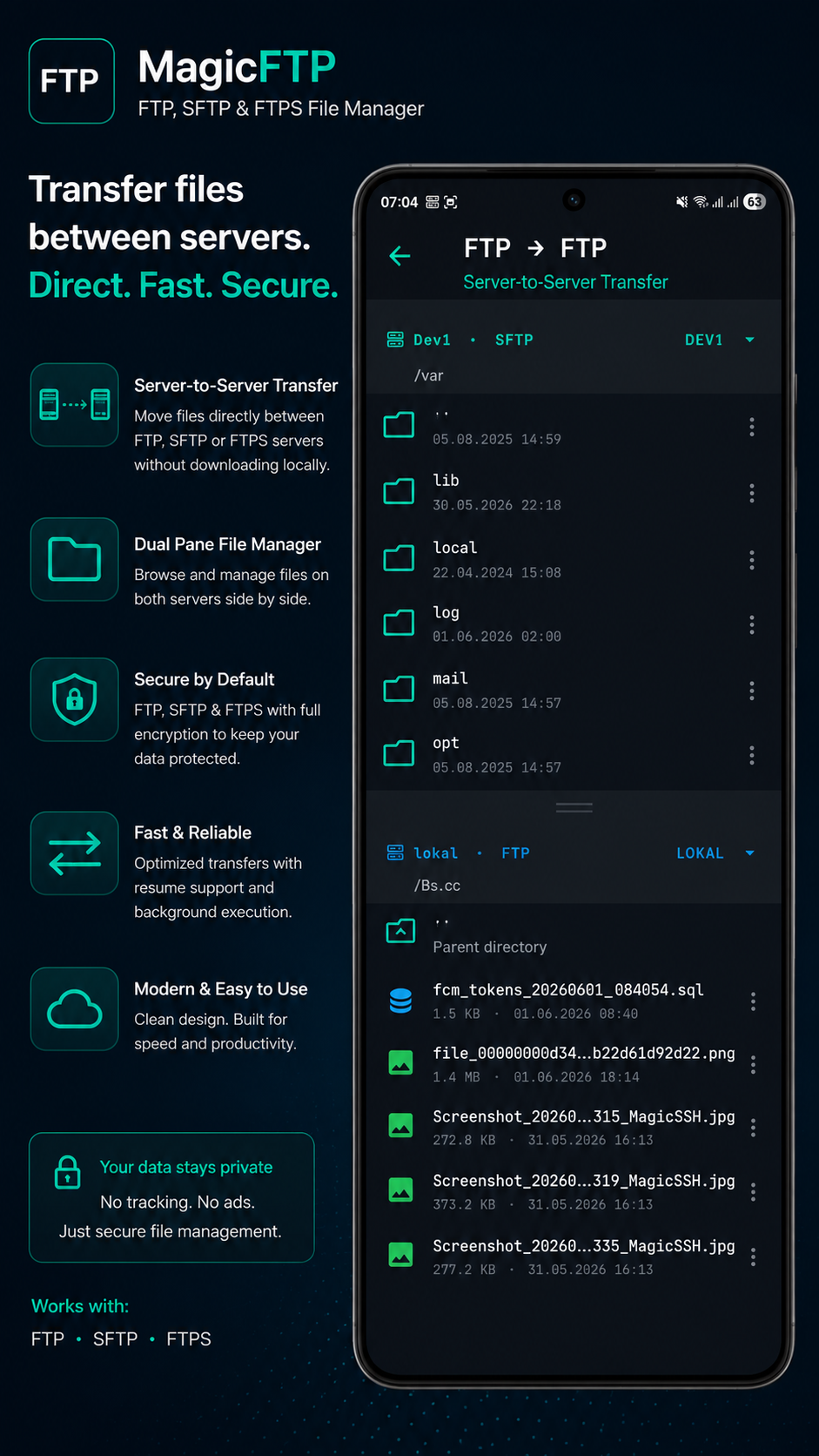
Transfer files directly from server to server — cross-protocol. FTP to SFTP, FTPS to FTP, any combination. No local storage required. Unique on Android.
🔍
PRO
Folder Compare
Recursively compares two FTP servers and visualizes what differs. With clear reason per file (size, date, or both), filter, bulk-select and selective sync. Perfect for deploys and backup verification.
🎚️
PRO
Bandwidth Limits
Throttle upload and download speed individually per server. KB/s or MB/s. Ideal for mobile connections, shared bandwidth or AWS egress cost control.
📂
New in v3
Server Groups
Organize your servers into collapsible groups. Long-press to rename or delete, expand state remembered. Perfect for power users with many servers.
🔐
PRO
Encrypted Backups
AES-256 export of all servers for safe migration to a new device. Password-protected, no cloud required.
📱
Interface
Dual-Panel File Manager
Split-screen like WinSCP — on your phone. Remote on top, local on bottom. Drag-to-resize. Multi-select, drag & drop between panels, pull-to-refresh.
🚀
PRO
Pro Transfer Manager
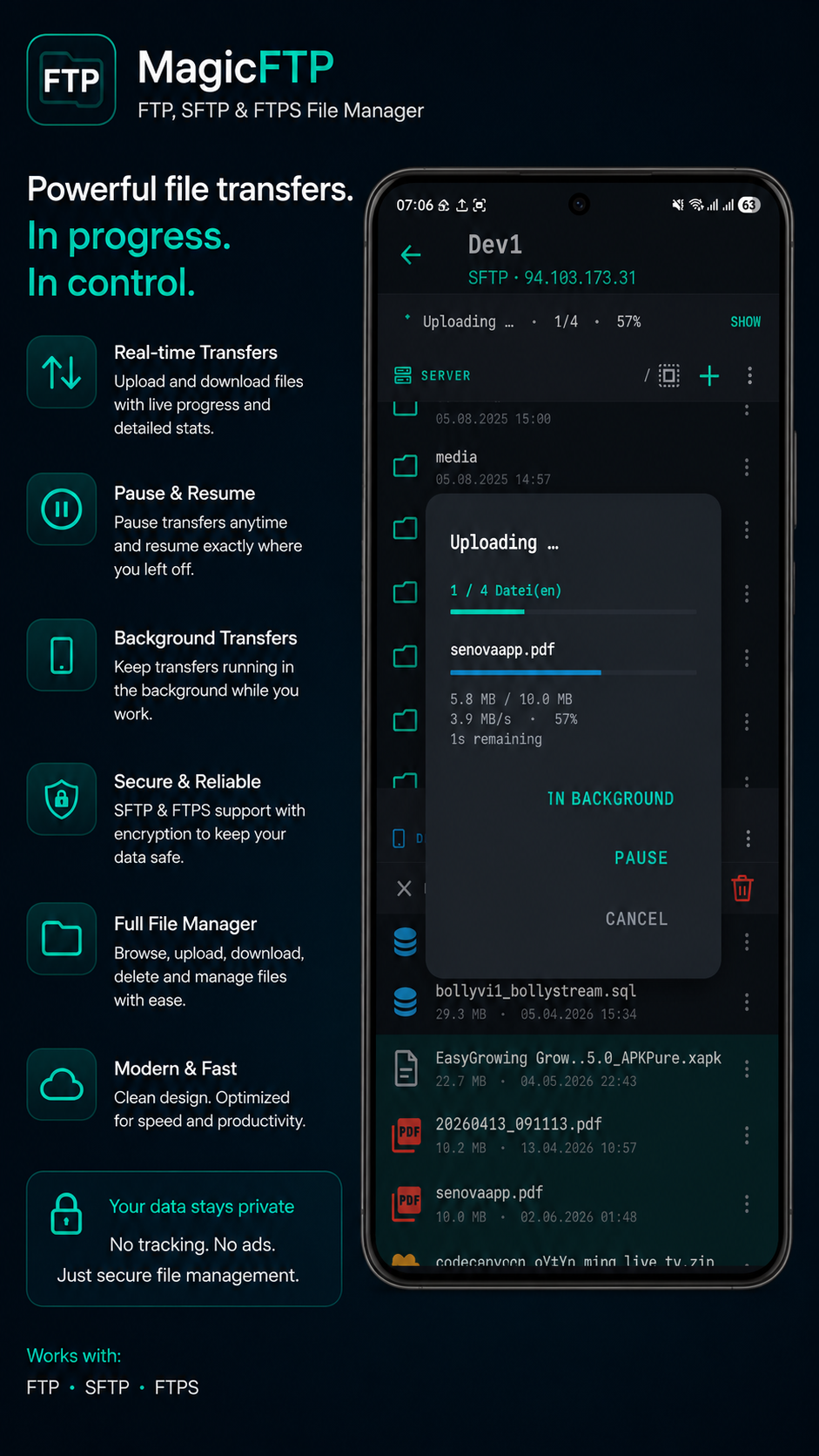
Up to 6 parallel transfers simultaneously. Background transfers, pause/resume, cancel. Separate notification per transfer with progress bar and speed.
📝
PRO
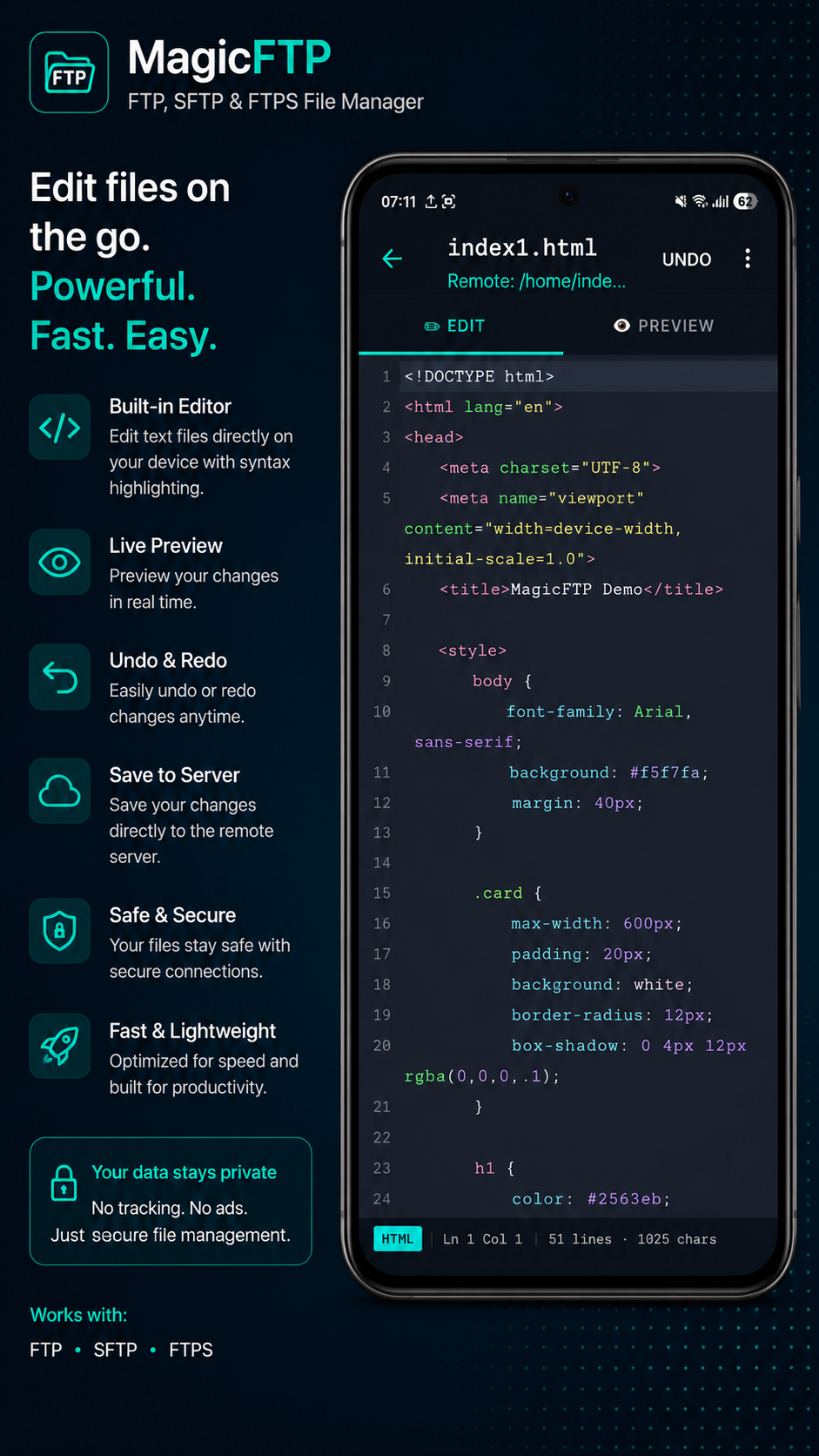
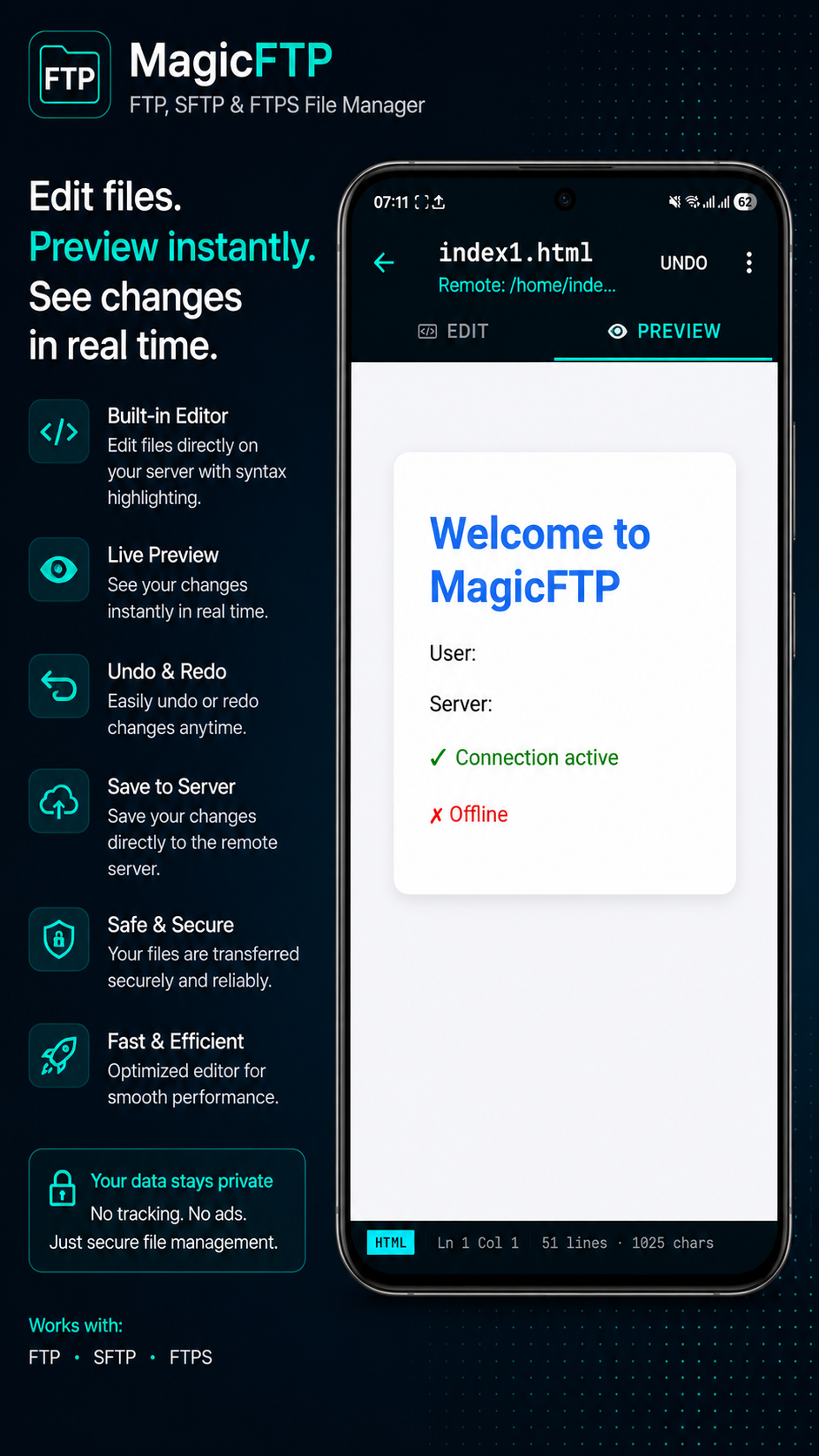
Code Editor + Live Preview
Syntax highlighting for PHP, HTML, JS, CSS, Python, SQL and more. Save directly on the server without downloading. Live preview for websites — see changes instantly in browser.
🔁
PRO
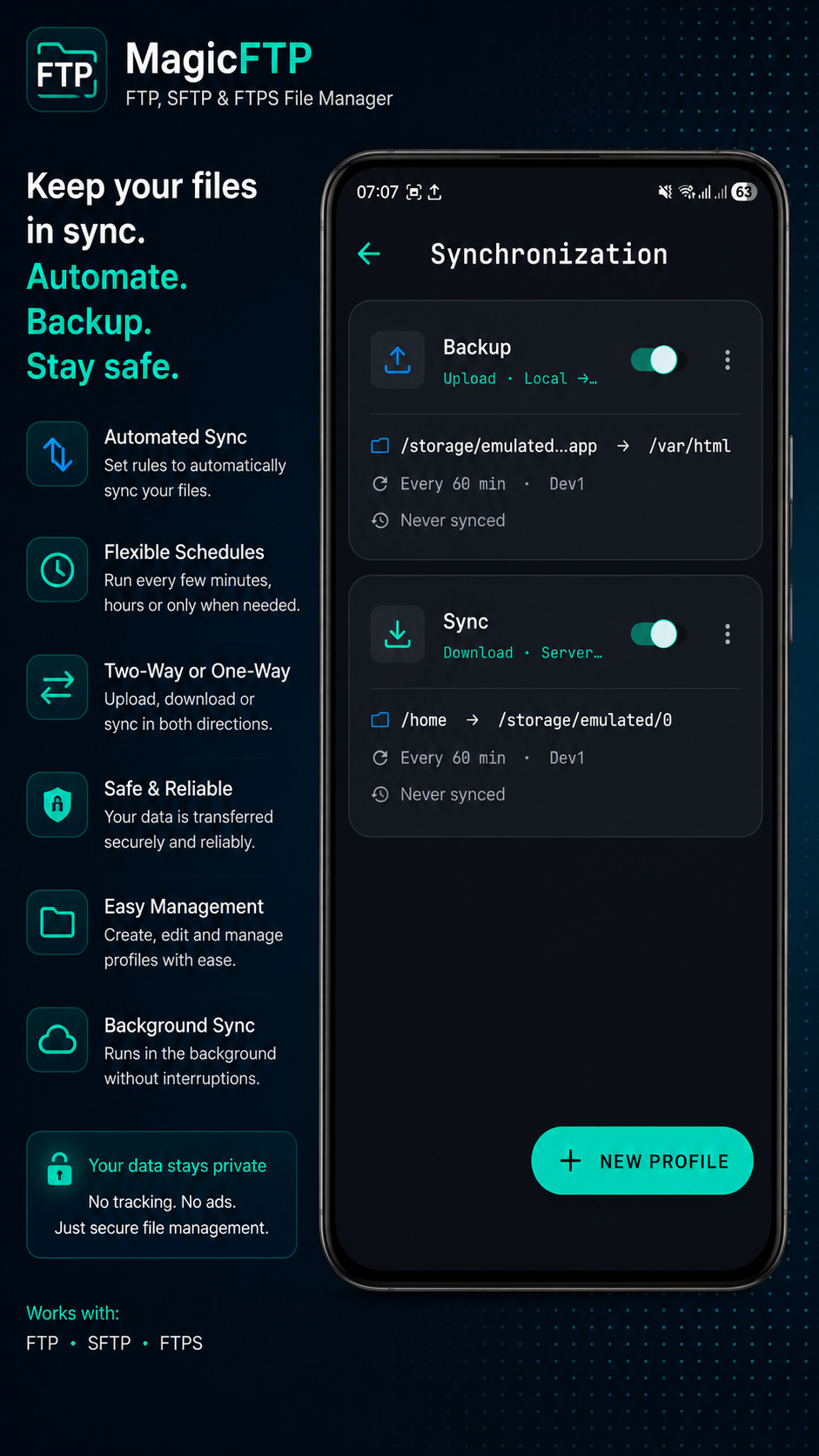
Sync with Schedule
Automatic sync with schedule. Upload or download direction selectable. Wi-Fi only option. Delete mirror. Multiple sync profiles manageable.
🔎
Search
Recursive Server Search
Searches all subdirectories on the server. Live progress with directory counter. Wildcard support (*.php, photo*). Direct jump to result.
📋
PRO
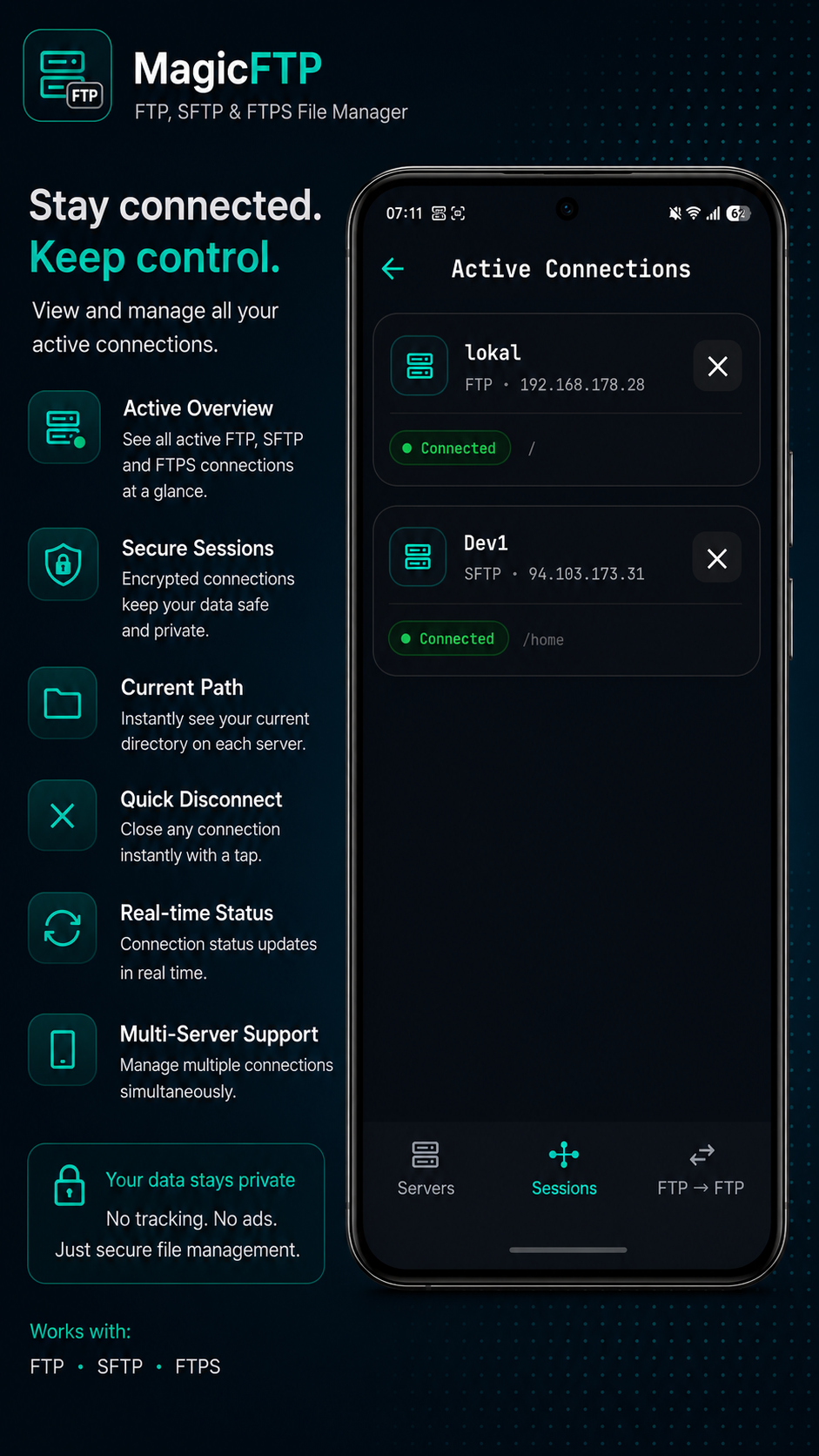
Multi-Session Management
Multiple servers connected simultaneously. Switch between sessions without losing connection. Remember last path. Active transfers continue in background.
🛡️
Security
Biometrics & Permissions
Biometric lock per server (fingerprint/face). chmod with visual checkbox dialog. Octal input. SetUID, SetGID, Sticky bit — all included.
↩️
Reliability
Auto-Reconnect & Resume
Connection dropped? No problem. Automatic reconnect and resumption of interrupted transfers. Watchdog detects stalled connections and restarts.
🖥️
Local Server
Local FTP Server
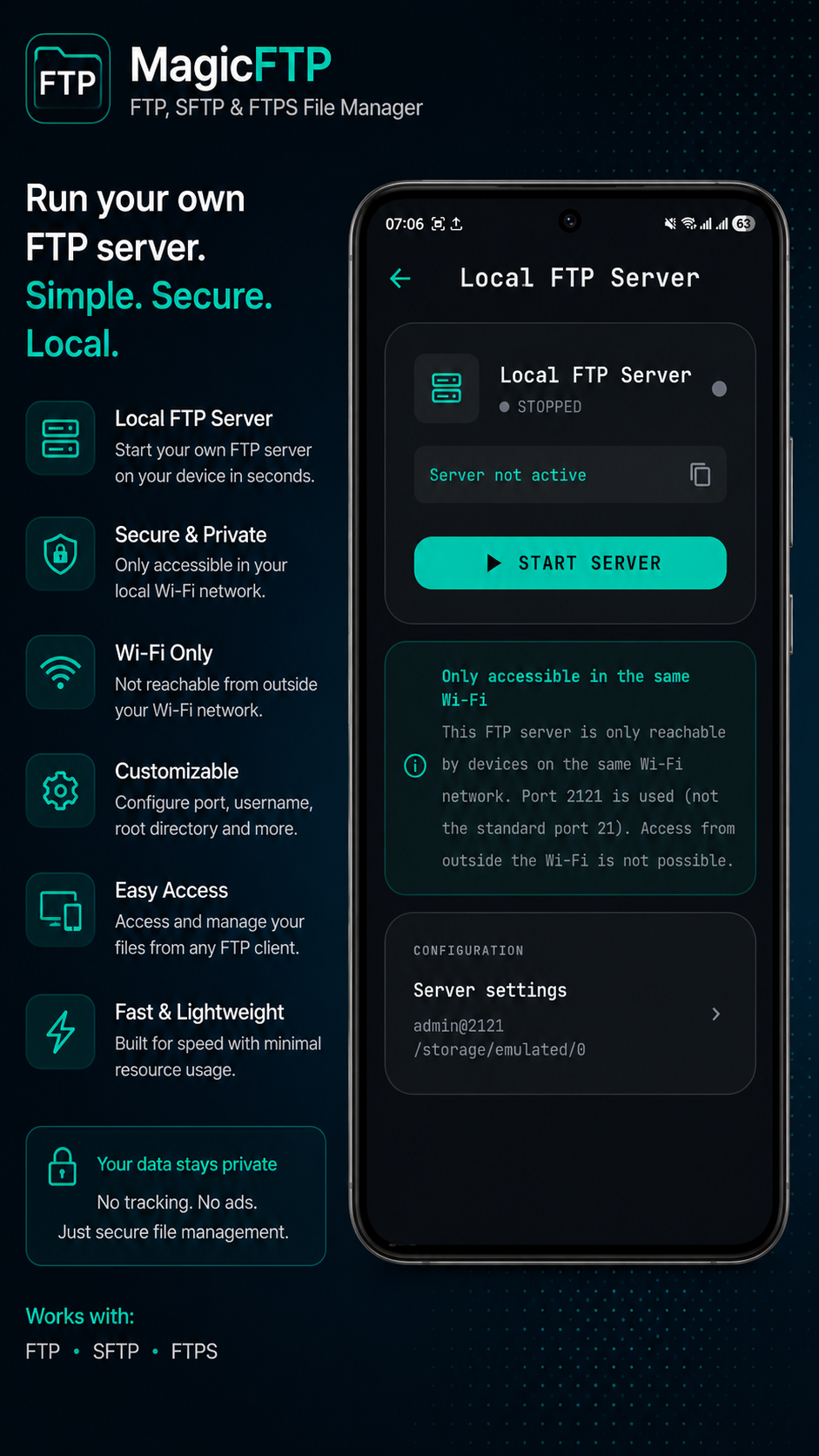
Turns your Android device into an FTP server. Other devices on your Wi-Fi can access your files directly — perfect for quick file transfer.
Protocols

Three protocols.
One app.

Connect to any server — regardless of protocol.

FTP
File Transfer Protocol
Port 21 · Active & Passive
FTPS
FTP over TLS/SSL
Port 21 / 990 · Verschlüsselt
SFTP
SSH File Transfer Protocol
Port 22 · SSH-Key Auth (.pem)
Game-Changer
Server↔Server Transfer.
The feature other apps don't have.

Transfer files directly from server to server — without downloading them to your device. Cross-protocol: FTP to SFTP, FTPS to FTP, any combination. v3 adds Folder Compare on top: see exactly what differs and sync selectively. No other mobile FTP client on Android offers this.

  • FTP ↔ FTP, FTPS, SFTP
  • No local storage needed
  • Cross-protocol transfers
  • Folder Compare included
⚠ Tip: Use over Wi-Fi — data flows through your connection as a stream proxy.
FTP  Server A
ftp.server-a.com
📱 Your Device (Stream Proxy)
MagicFTP
SFTP  Server B
sftp.server-b.com
Why MagicFTP

Numbers that convince.

3
Protocols
in one app
15+
Pro features
included
Concurrent
sessions (Pro)
€9.99
One-time.
No subscription.
Screenshots

See it in action.

Every detail considered. Dark UI for professional use.

MagicFTP Screenshot 1
MagicFTP Screenshot 2
MagicFTP Screenshot 3
MagicFTP Screenshot 4
MagicFTP Screenshot 5
MagicFTP Screenshot 6
MagicFTP Screenshot 7
MagicFTP Screenshot 8
Comparison

MagicFTP vs. other apps.

What other apps can't do.

Feature ✦ MagicFTP App A App B
FTP / FTPS / SFTP
Server↔Server Transfer
Folder Compare
Bandwidth Limits
Server Groups
Code Editor
Live Preview
Background Transfers
Multi-Session
Recursive Server Search
Biometric Lock
Encrypted Backups
Local FTP Server
Pro Version

Pay once.
Use forever.

No subscription. No expiry. No bullshit.

PRO
€9.99
One-time · No subscription · Forever
Unlock Pro — €9.99
🔒 Secure purchase via Google Play
🔍
Folder Compare
Compare two servers and sync selectively — new in v3
🎚️
Bandwidth Limits
Throttle upload and download per server — new in v3
🔐
Encrypted Backups
AES-256 export of all servers for safe migration
🔄
Background Transfers
Uploads & downloads keep running when the app is in the background
🚀
Power Transfer
Up to 6 parallel transfers with resume function
↔️
Server↔Server
Direct server-to-server transfer, cross-protocol
📝
Code Editor + Live Preview
Remote code editor with syntax highlighting and live preview
🔁
Sync Profiles
Automatic sync with schedule and multiple profiles
📋
Unlimited Sessions
Connected to as many servers as you want simultaneously
Get started

Your server.
Always with you.

Start free — unlock Pro for €9.99 one-time.

Free on Play Store

Basic features permanently free · No account required